Getting Started · AVAILABLE NOW
Download full guideCustomer Quick Start
The shortest path from adding a vehicle to rating completed help.
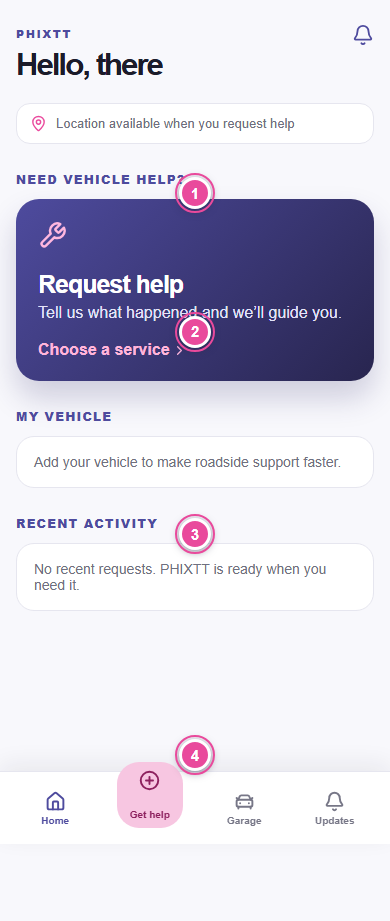
Before you start
- Create and verify your PHIXTT account.
Step by step
- 1
1. Add your vehicle
Open Garage and save accurate year, make, model, powertrain, colour, and registration.
- 2
2. Tap Get help
Choose the service that best matches what happened.
- 3
3. Describe the problem
Choose symptoms and add a note, voice note, or requested photos.
- 4
4. Confirm location
Allow location or enter the safe pickup address.
- 5
5. Follow your provider
Open Activity and review the verified specialist card and tracking.
- 6
6. Verify arrival
Check the person and service vehicle, then create the one-time PIN.
- 7
7. Confirm service
Review completed work and report a problem when anything is unresolved.
- 8
8. Rate the provider
Submit a separate rating for each completed provider.
What to do next
- Read Request vehicle help for full details.